Project 2: iOS Calculator
Screenshots
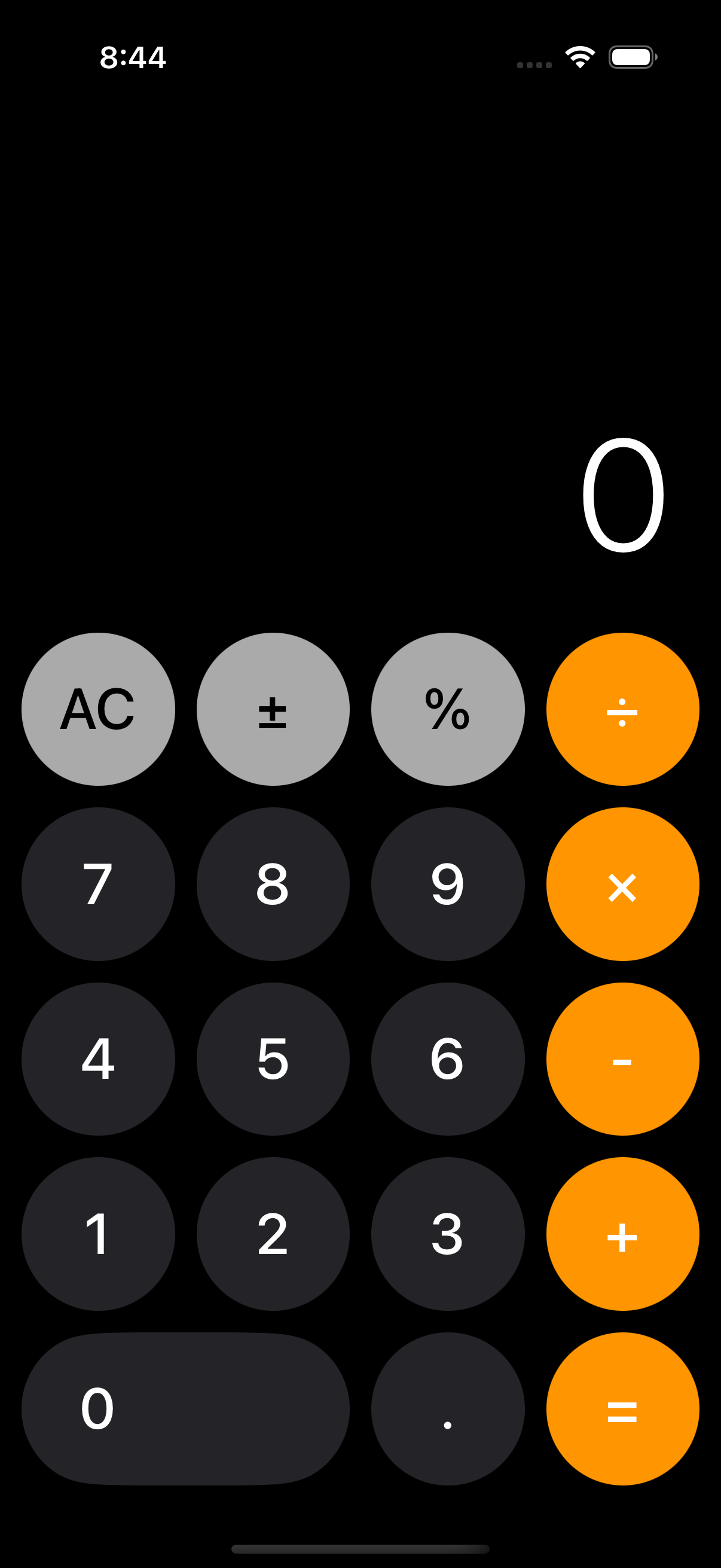
The UI
Demo
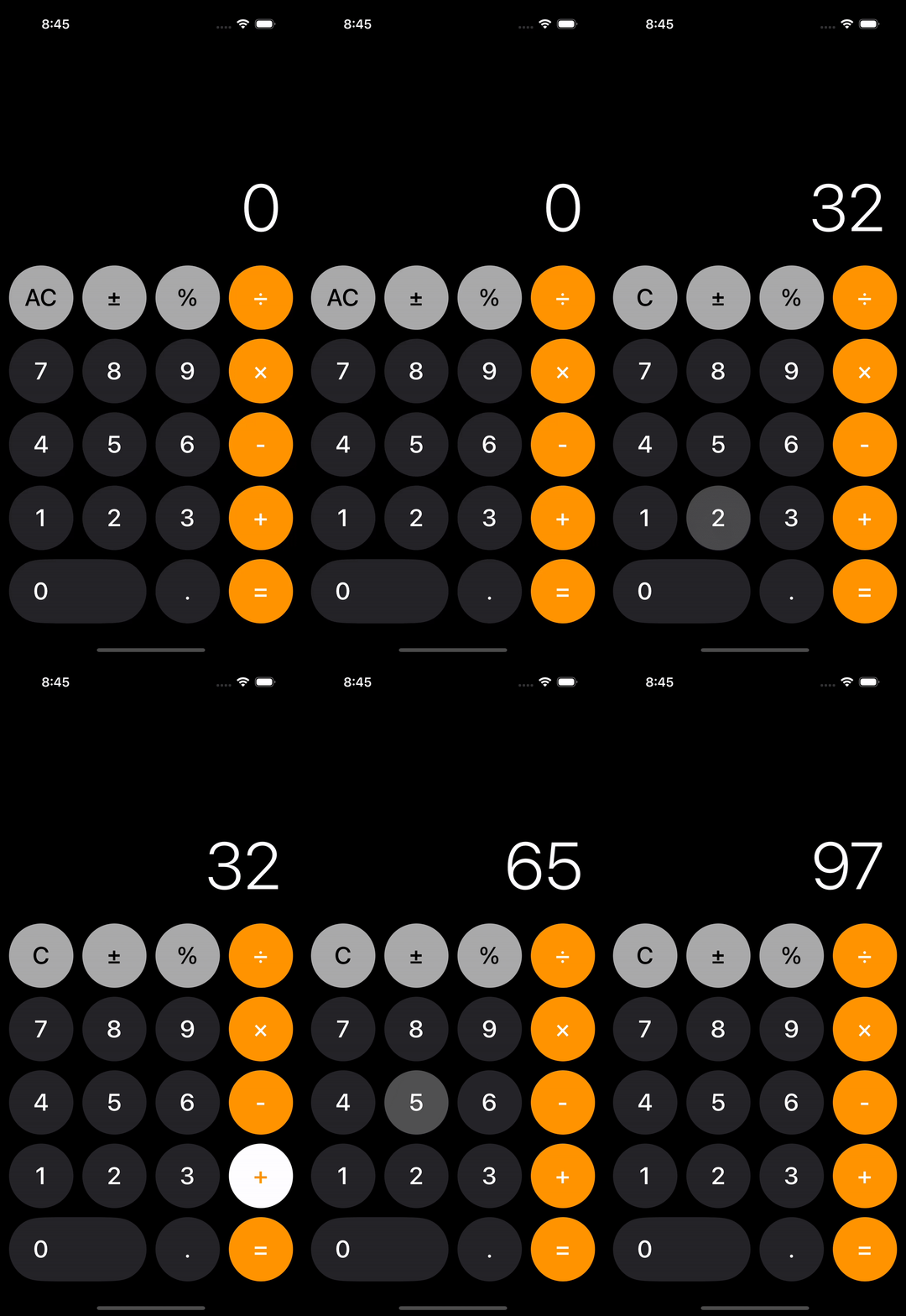
Addition (1/9)
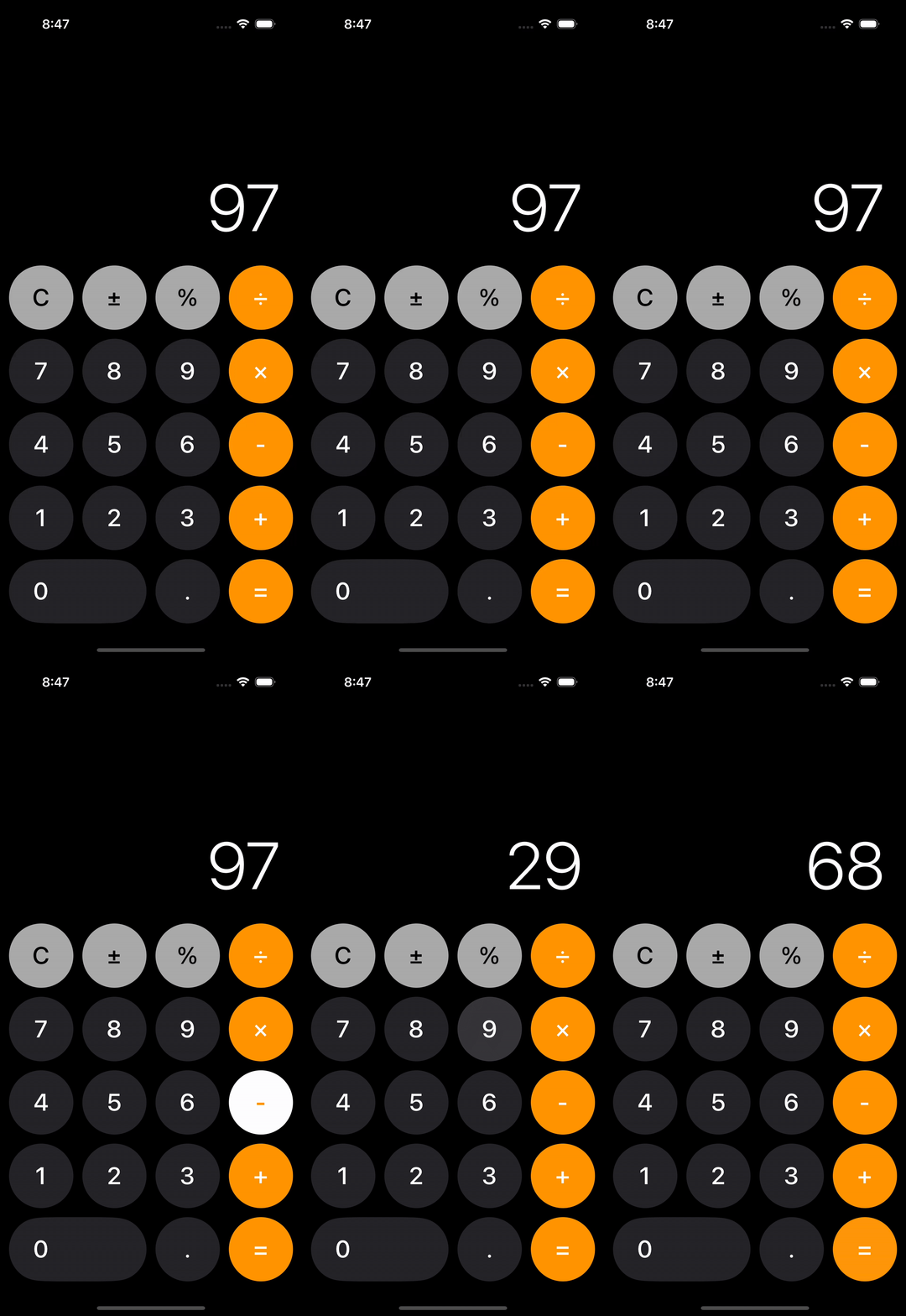
Subtraction (2/9)
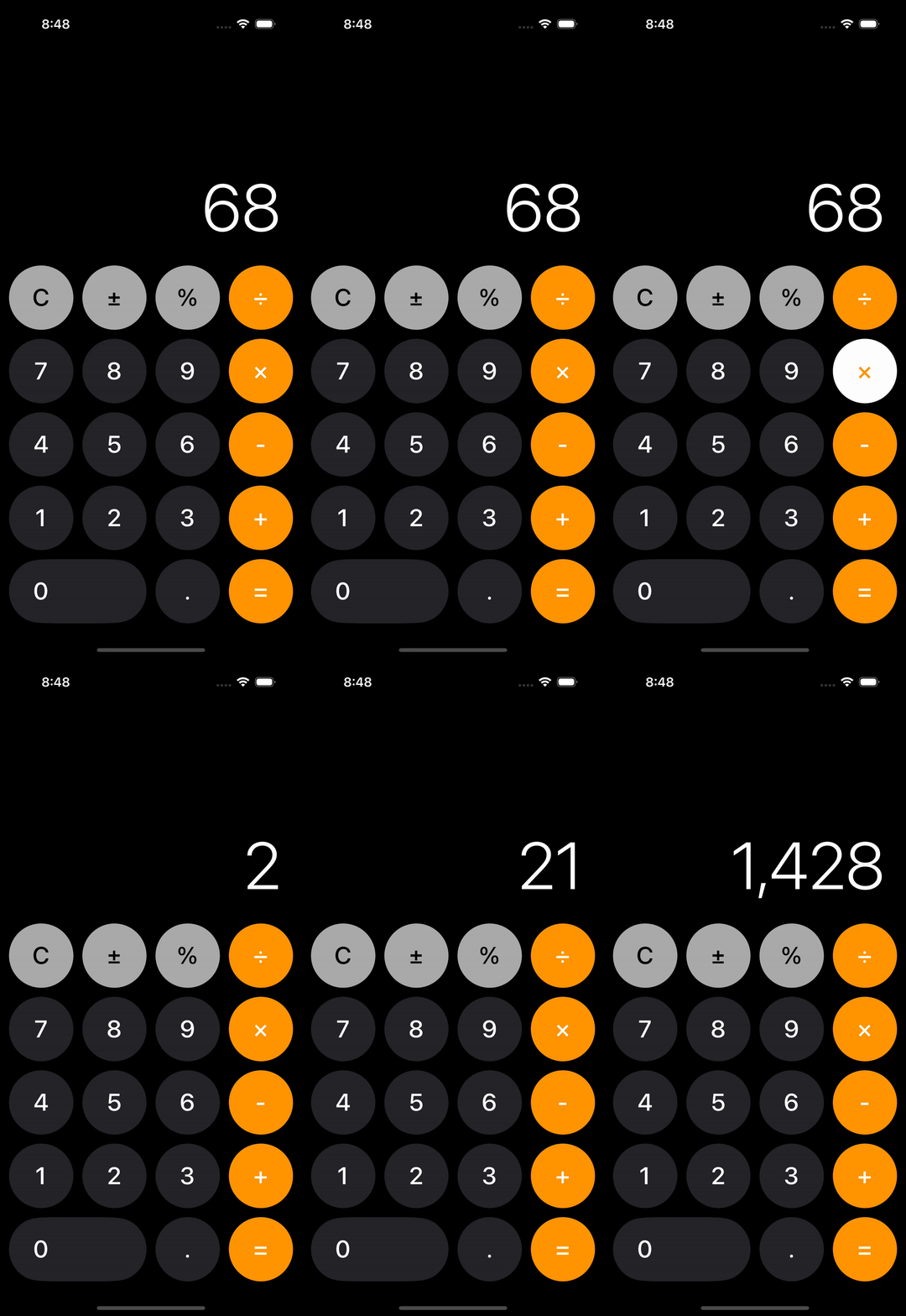
Multiplication (3/9)
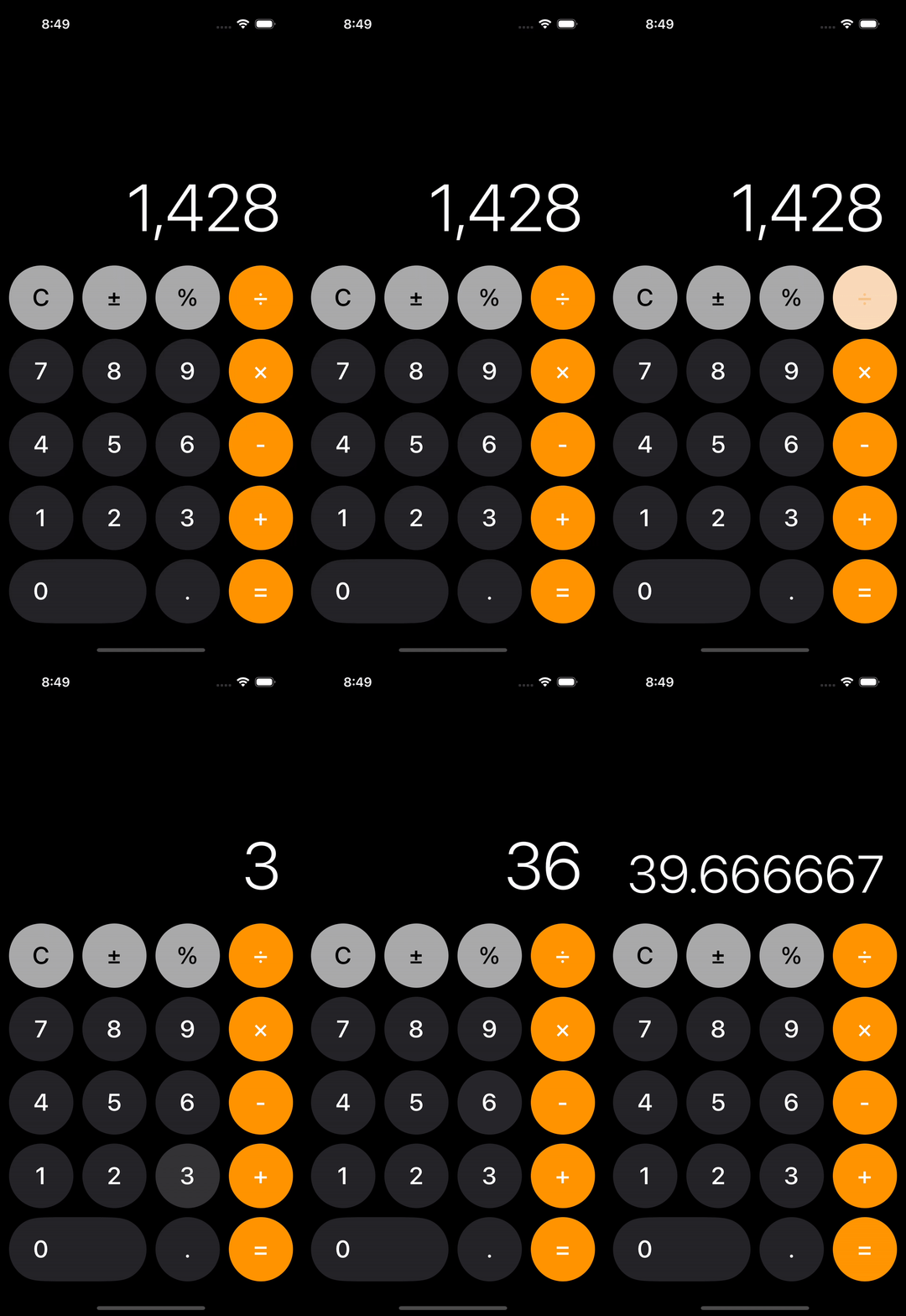
Division (4/9)
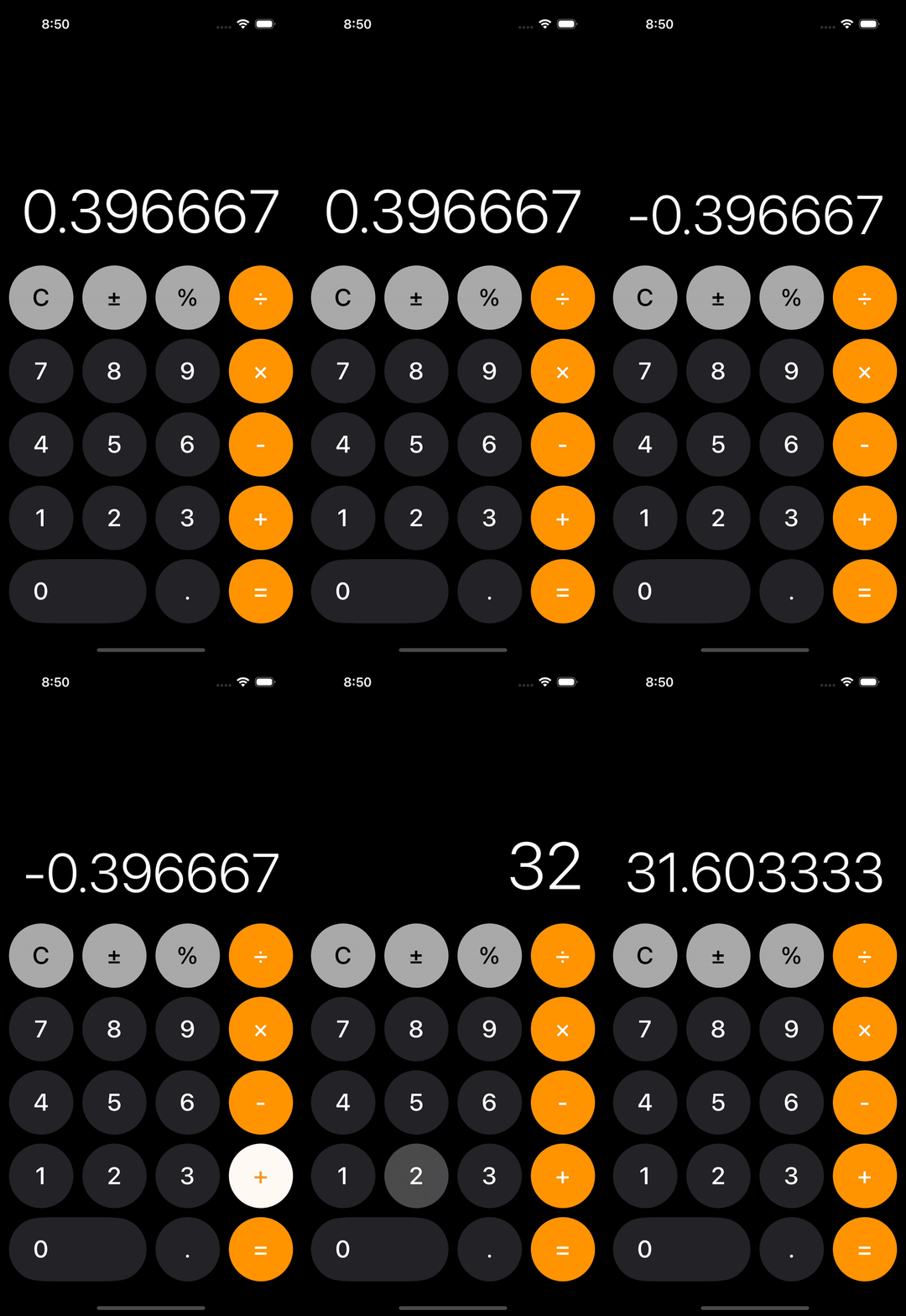
Negating (5/9)
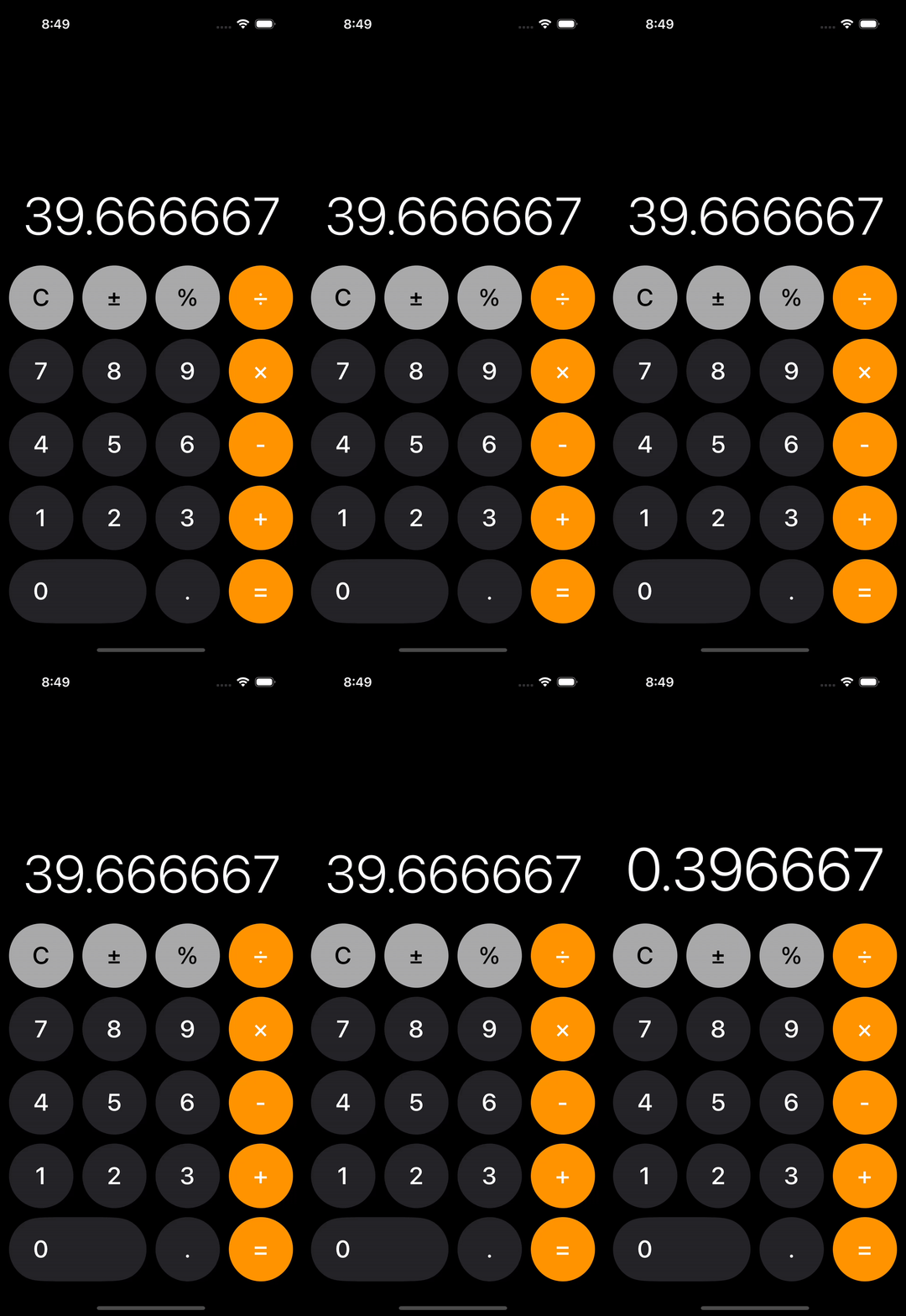
Percent (6/9)
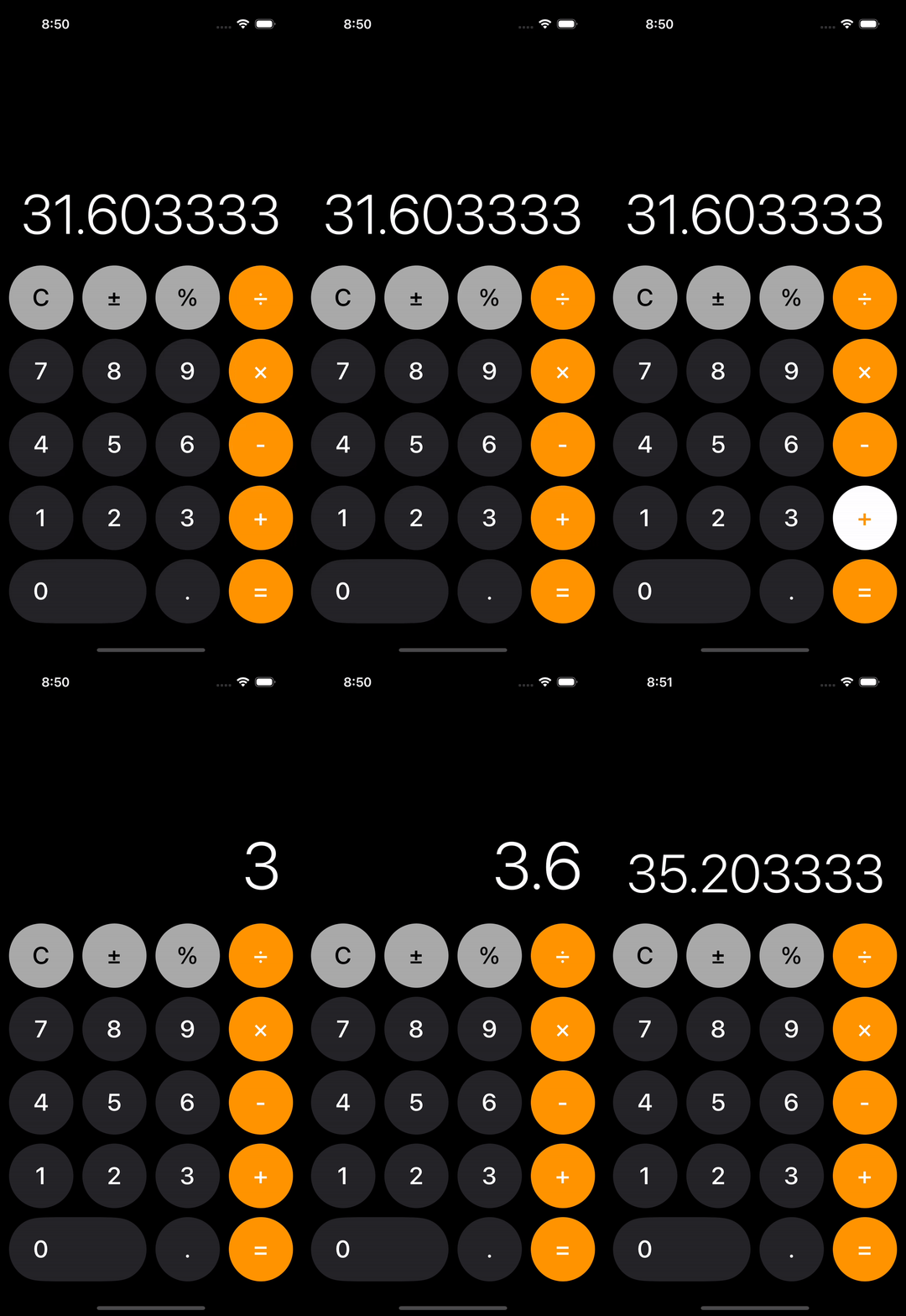
Decimal (7/9)
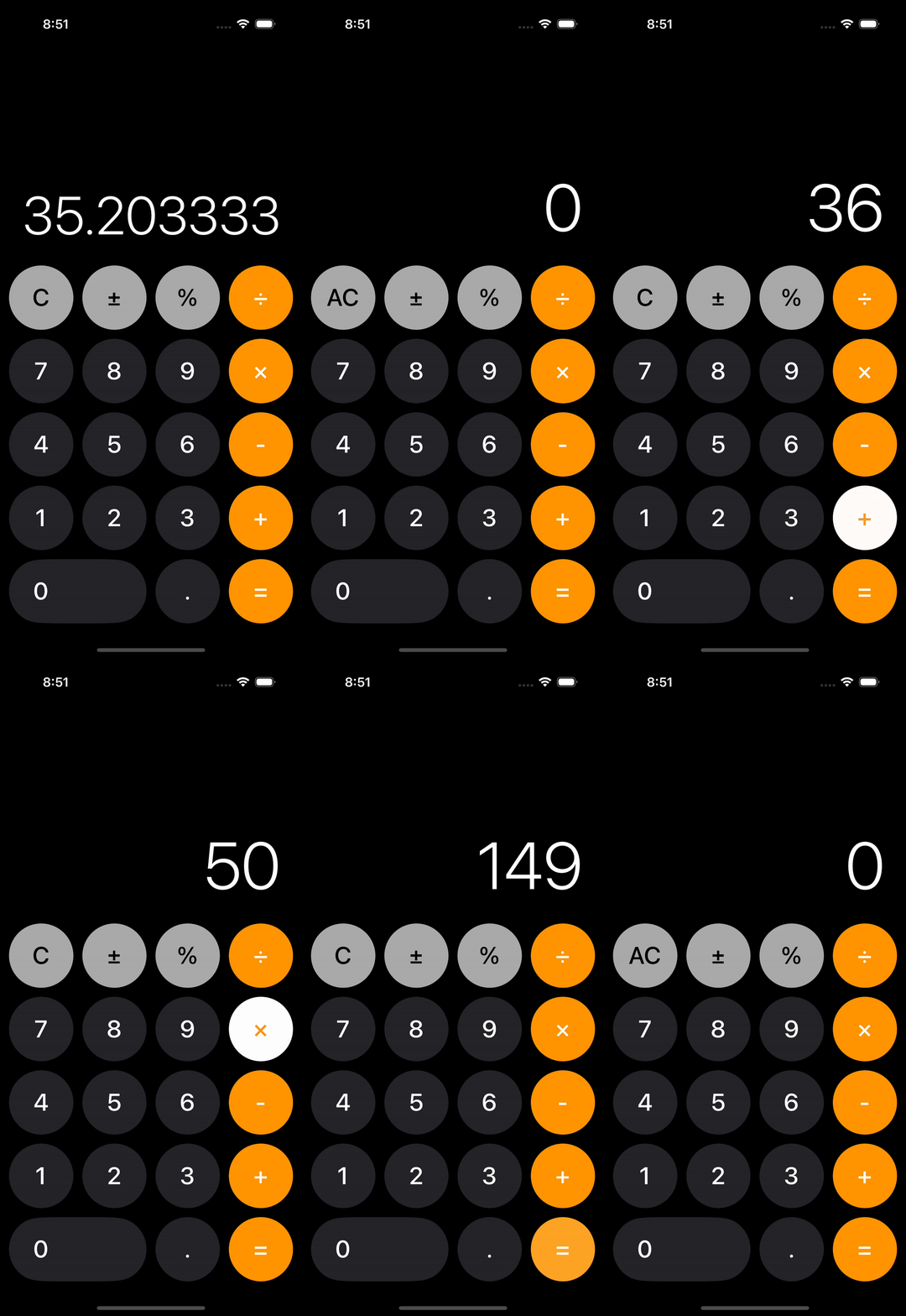
Decimal (8/9)
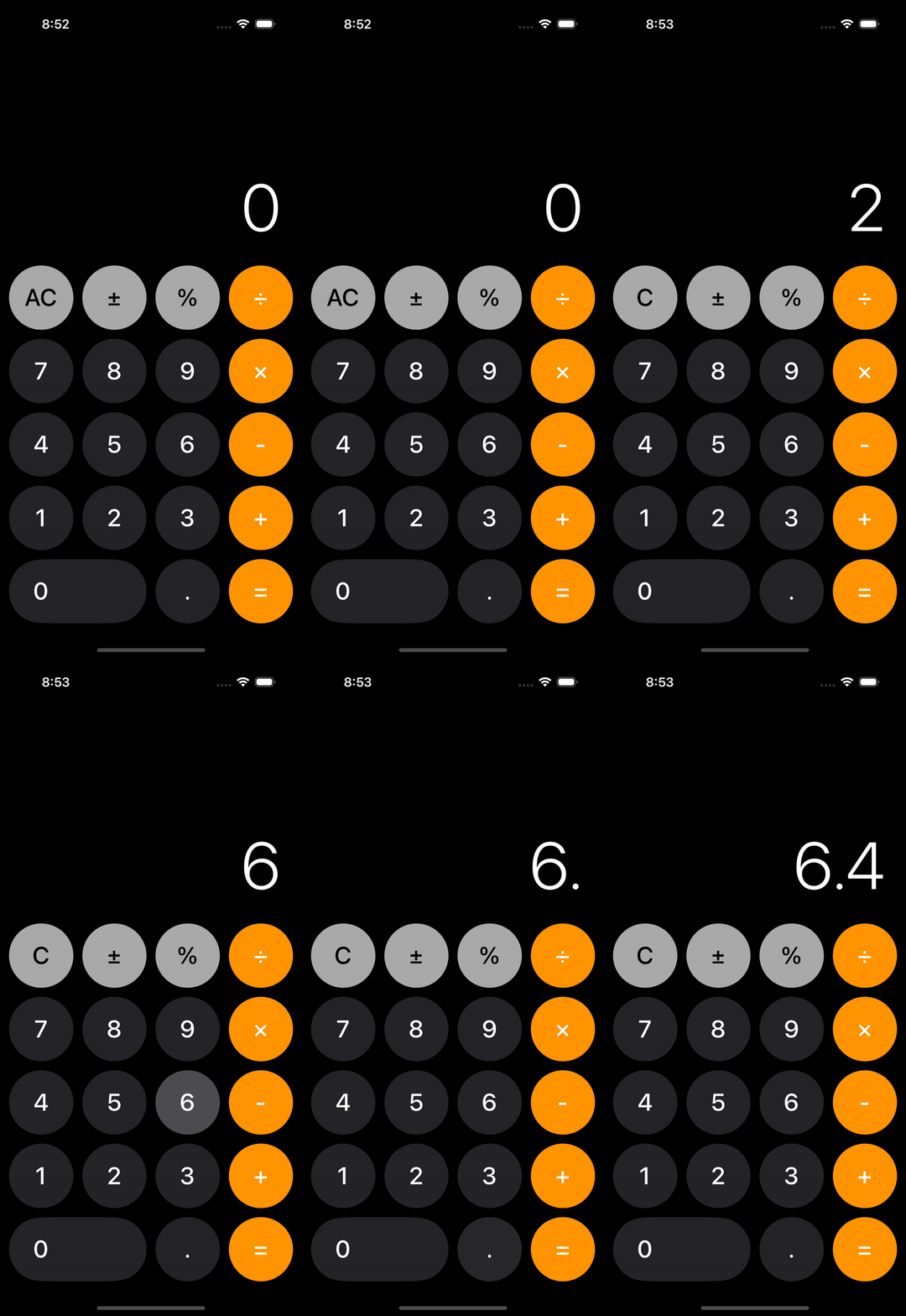
Decimal (9/9)
Project Synopsis
This is a personal project that I made in Summer 2025. It is a basic calculator for iOS devices. It is styled after the native calculator app for iOS devices.
It has basic functions like addition, subtraction, multiplication and division.
Numbers are also not limited to being whole numbers, but can be decimals as well, by clicking the decimal button.
If the user misclicks or wishes to erase all their inputs, the clear function exists to erase their last input by using the "Clear" ("C") button.
The percent button also exists to quickly convert a given number into a percentage.
Users are also able to negate their expressions quickly by pressing the negate button.
For quick readability, the calculator shows only terms that are typed and not the whole expression. So if the user types the number "35" and clicks add, they will see "35". Once the user begins typing the next term, the previous term will disappear from view, as the new term will be visible. See the demos for better understanding.
Tech Stack
- Swift
- SwiftUI
- Xcode
Key Challenges
A key challenge was staying true to the single responsibility principle and not coding the entire project in one file. It was a challenge trying to dissect the project into separate files, so each file would have one single responsibility.